
Web site: swide.app
Download: Swide on the App Store (iPhone and iPad, free)
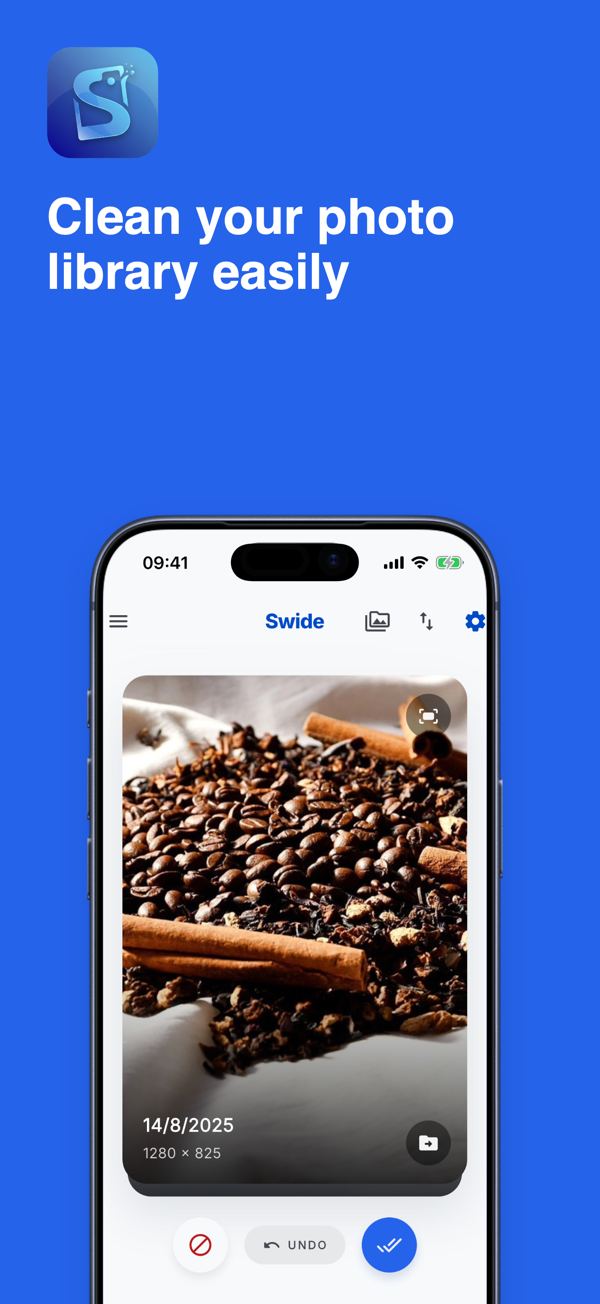
Swide is an iPhone photo library cleaner that turns photo cleanup into a quick, focused routine. You swipe through your library one photo at a time, queue the ones you do not want, and delete them in a single batch only after you have reviewed the list. Nothing is removed with a swipe, and your photos never leave your device.
Features
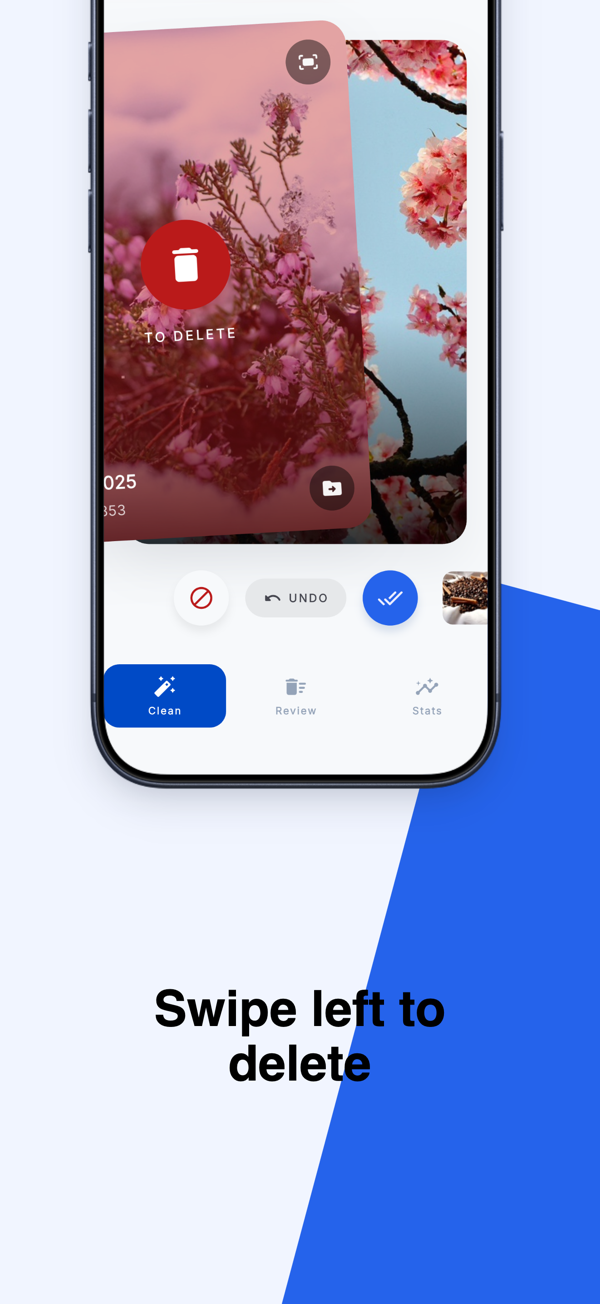
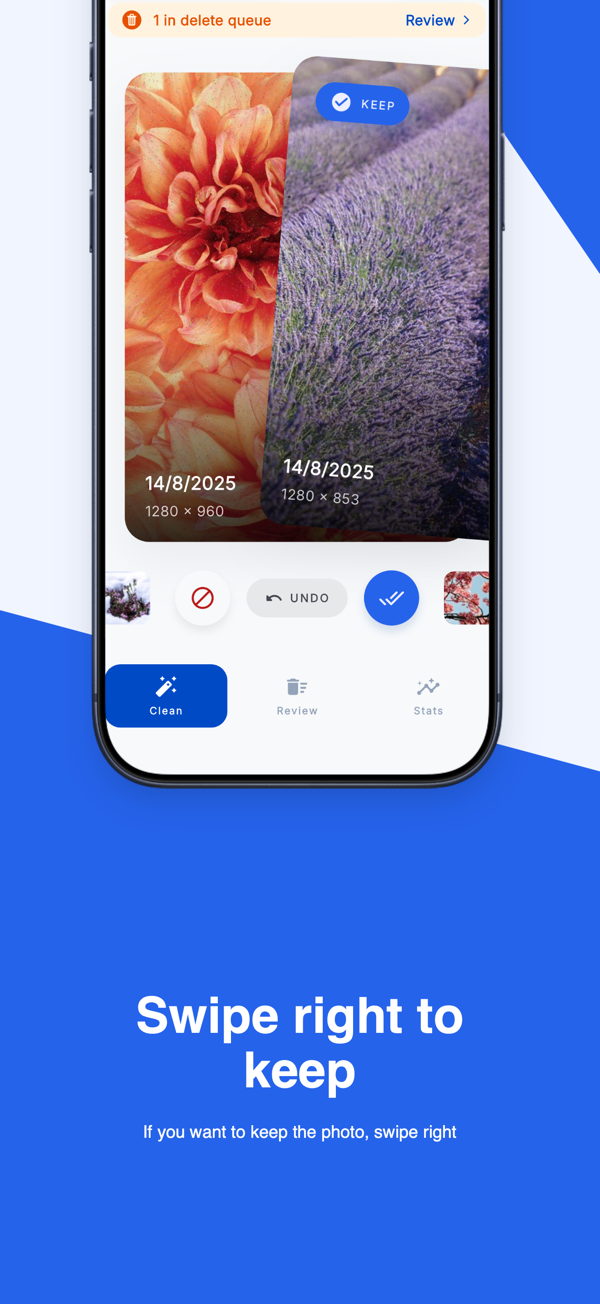
- Clean with simple swipes: swipe right to keep a photo and left to add it to the deletion queue. Zoom in before deciding, and review photos, videos or both.
- Sort your way: newest, oldest or largest files first, so you can go straight to what takes the most space.
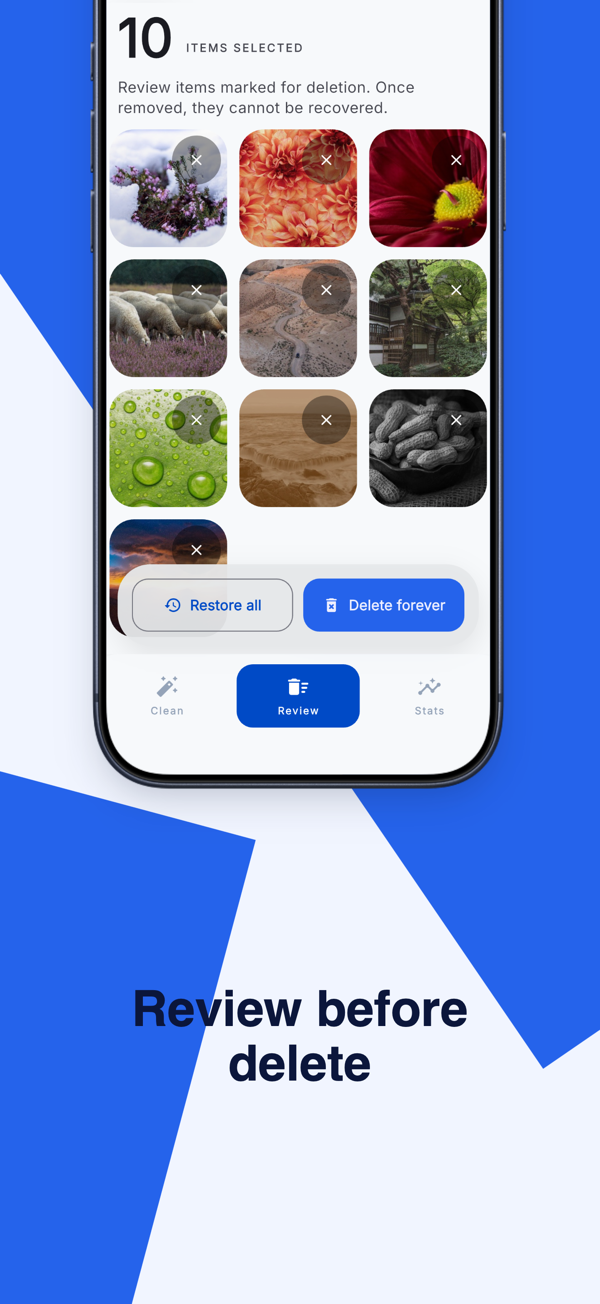
- Review before deleting: your selections collect in a review queue. Restore anything you changed your mind about, then confirm the deletion with iOS.
- Move instead of delete: prefer to keep them? Move the selected items to a dedicated “Swide Clean” album.
- Pick up where you left off: Swide remembers your place in the library, and new photos can be reviewed separately.
- Made for iPhone and iPad: portrait, landscape, Split View and Stage Manager.
- See your progress: storage freed, photos cleaned, time spent and achievements unlocked.
- Privacy first: photo review happens on your device, and Swide does not upload your photo library.
Free and Pro
You can start cleaning your whole library for free, with a limit on deletions. Swide Pro removes that limit and adds album-scoped cleaning, so you can tidy one album at a time. Pricing is shown in the app before you buy.
Read more on swide.app: how Swide works and the privacy policy.