Web site: storestage.studio
Open the editor: storestage.studio/app (no account needed)
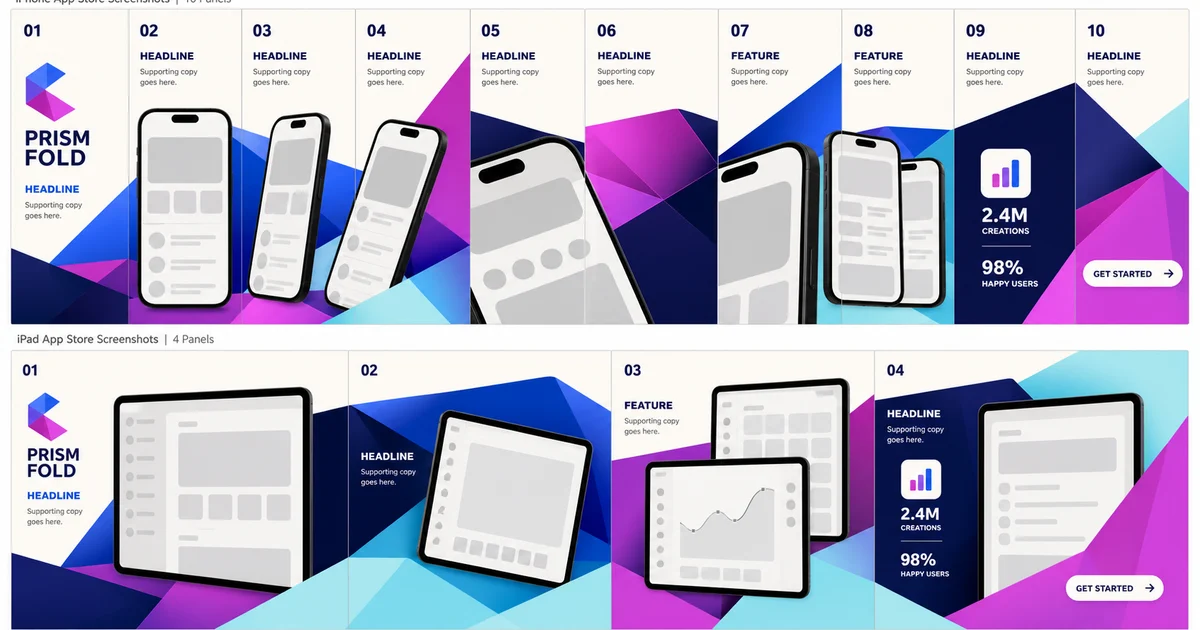
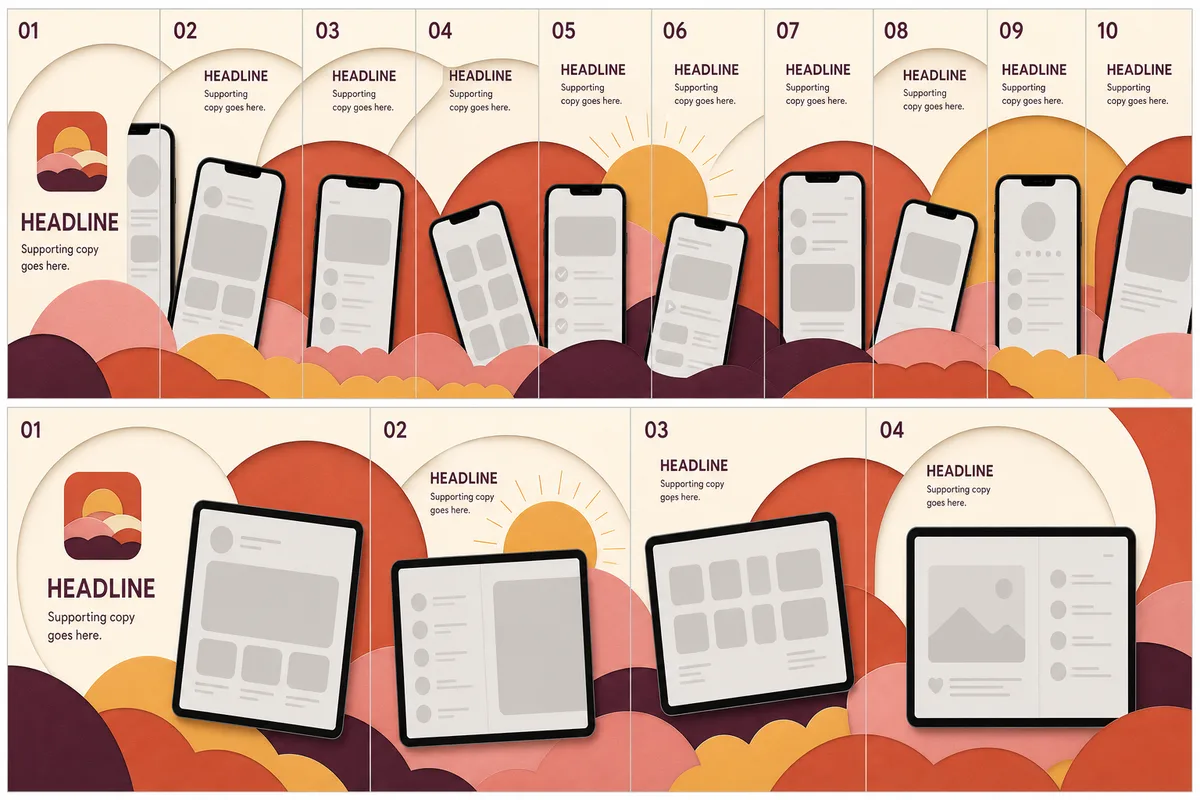
StoreStage is an App Store screenshot generator that builds your iPhone and iPad screenshots as one connected set instead of ten separate files. You design the whole gallery on a single canvas, a device can cross from one screenshot into the next, and every headline follows the same visual rhythm. When the set looks right, StoreStage exports store-ready PNGs at Apple’s exact pixel dimensions, and at Google Play phone and tablet sizes, from the same scene you approved.
Features
- Connected layouts: place devices, headlines and artwork across one scene, so the screenshots read as a single story on the store page.
- Exact store sizes: flattened RGB PNG and ZIP exports for iPhone and iPad (portrait and landscape) and for Google Play phones and tablets. See the App Store screenshot sizes reference.
- Direct App Store Connect upload: send a finished set straight to App Store Connect instead of downloading and dragging files.
- Locale sets: keep a translated set for each language of your listing, with typography that shrinks to fit and right-to-left language support.
- Remote MCP for AI agents: Claude, Cursor, Codex and other MCP clients connect over OAuth to inspect projects, preview edits before they are saved, attach assets and request exports. Read the MCP guide.
- Local-first drafts: projects stay in your browser until you sign in and choose to move them. Assets are never uploaded in the background.
Screenshot templates
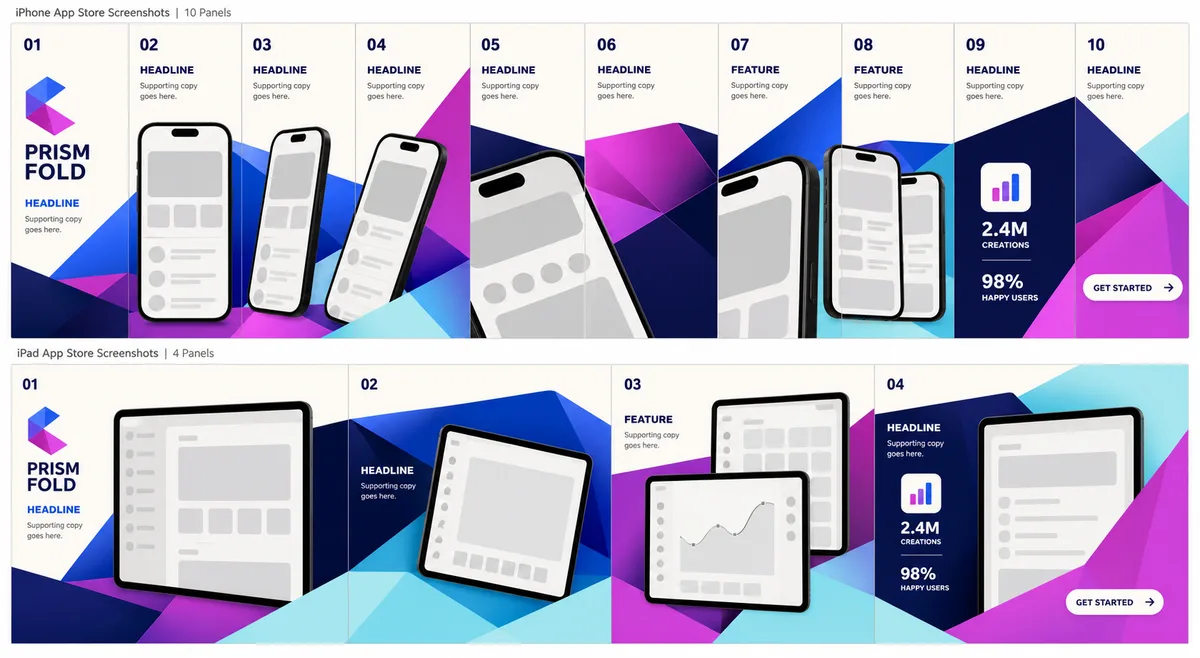
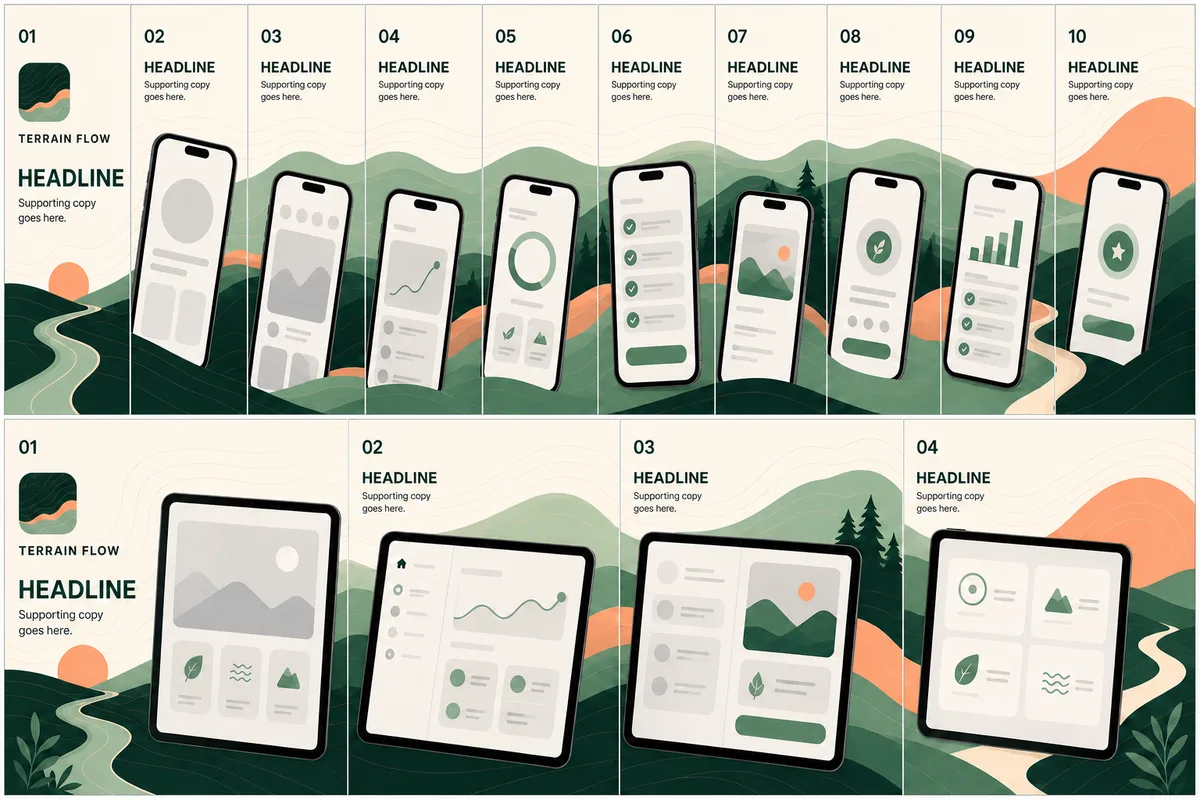
Each StoreStage template family is a complete iPhone and iPad story. Replace the placeholder content with your own screenshots, brand colors, logo and copy.
How it works
- Create a project with your app name, logo and colors.
- Choose a connected template for iPhone or iPad.
- Drop in your screenshots and refine the copy and composition.
- Download one PNG or the complete ZIP at the selected store size, or upload the set to App Store Connect.
Pricing
You can open the editor and build a draft without an account; those downloads are watermarked. A free account adds two cloud projects with one clean export set each, including App Store Connect upload. Pro is $9 a month or $79 a year and includes every published template, clean exports and App Store Connect upload for every set, locale sets, custom fonts and Remote MCP. Details are on the pricing page.